Undetectr File Checks: Before and After (2026)
An Undetectr file check starts with a practical question: is this the version you actually want to release? With three files and four listening checkpoints, you can answer it without losing the original or mistaking a louder playback for a better result. We checked the current product pages and built this repeatable worksheet to accompany our existing Undetectr reviews.

- The short version: Keep three versions: the untouched source, the Undetectr download and the approved delivery file.
- Compare four passages at matched listening volume: opening, exposed vocal, busiest section and ending.
- Undetectr currently lists €19 for ten processing credits and €39 for Lifetime access with unlimited processing.
- A changed file, an improved listening result and a distributor decision answer different questions. Record each separately.
An Undetectr file check starts with a practical question: is this the version you actually want to release? With three files and four listening checkpoints, you can answer it without losing the original or mistaking a louder playback for a better result. We checked the current product pages and built this repeatable worksheet to accompany our existing Undetectr reviews.
Start the Undetectr comparison with the right source
Choose the finished performance before you process it. If two Suno takes have different lyrics or a different final chorus, that is a creative decision to settle first. Comparing a processed take with a different original tells you little about what processing changed.
Save the untouched export in a folder that you will not use for experiments. Give it a name that identifies the song and take, such as NightWindow_take03_source.wav. Put the processing date in the working copy's name. A filename is an organisational aid, not proof of what happened to the audio, but it prevents the most avoidable mistake: comparing the wrong pair.
Our original Undetectr review covers the recommendation. This guide concentrates on the checks you can perform on your own song after choosing it. Undetectr's current public workflow is upload, process and download, with MP3, WAV and FLAC listed as supported formats.
Keep a short note beside the source. Write down the passage you want to inspect and why: a brittle consonant at 0:42, an abrupt ending, or a dense chorus that feels strained. If you have no specific complaint, say that too. You are checking whether the result is suitable for release, rather than inventing a defect that every song must have.
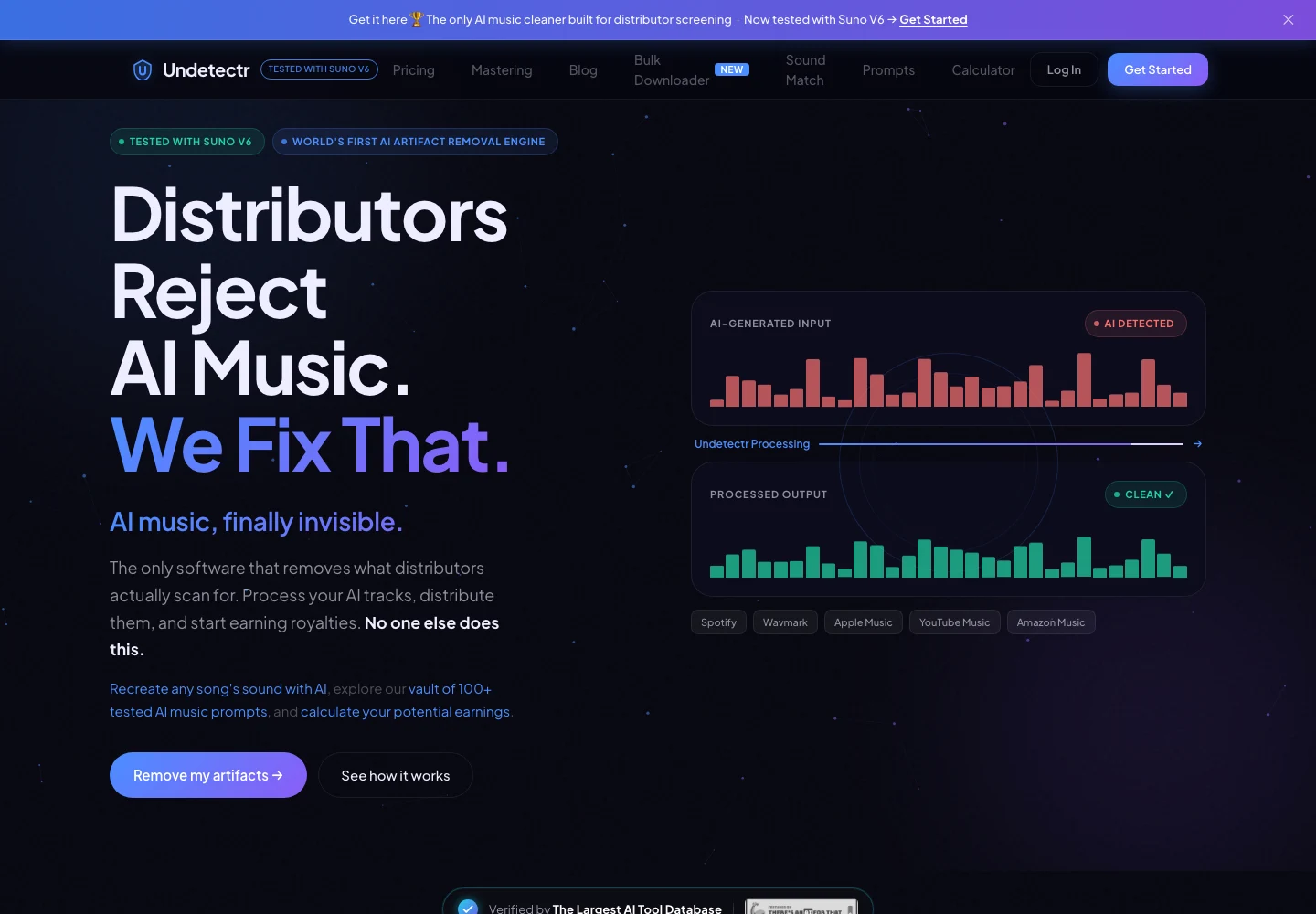
Undetectr’s public product page, captured 13 November 2026. The page describes the audio-preparation service. Source.
Keep three files with three clear jobs
I recommend keeping the stages separate even when the Undetectr download becomes your final master without another edit. It makes the project understandable a month later. The source records the starting point; the processed copy records the tool's output; the delivery copy records your approval.
| Version | Number to retain | Purpose | Change it later? |
|---|---|---|---|
| Original source | 1 | Recover the selected performance | Keep untouched |
| Undetectr download | 1 | Compare the processing result | Preserve the download |
| Approved delivery master | 1 | Identify the file you released | Create a new version if revised |
These are suggested archive counts, not a claim about Undetectr's storage system. Download your copies into storage you control. The service's terms describe temporary file storage, so your release archive should not depend on returning to a processing page months later.
Do not call a source file “master” merely because it is a WAV. The extension describes the container, not whether you have approved the performance, checked the ending or completed the release information. Similarly, a file called final-final communicates less than a dated version with one sentence describing its role.
If you later fix a fade, create a new delivery version and record that change. Keep the accepted processed download beside it. That small distinction lets you retrace the chain without wondering whether the application or a later edit produced a difference.
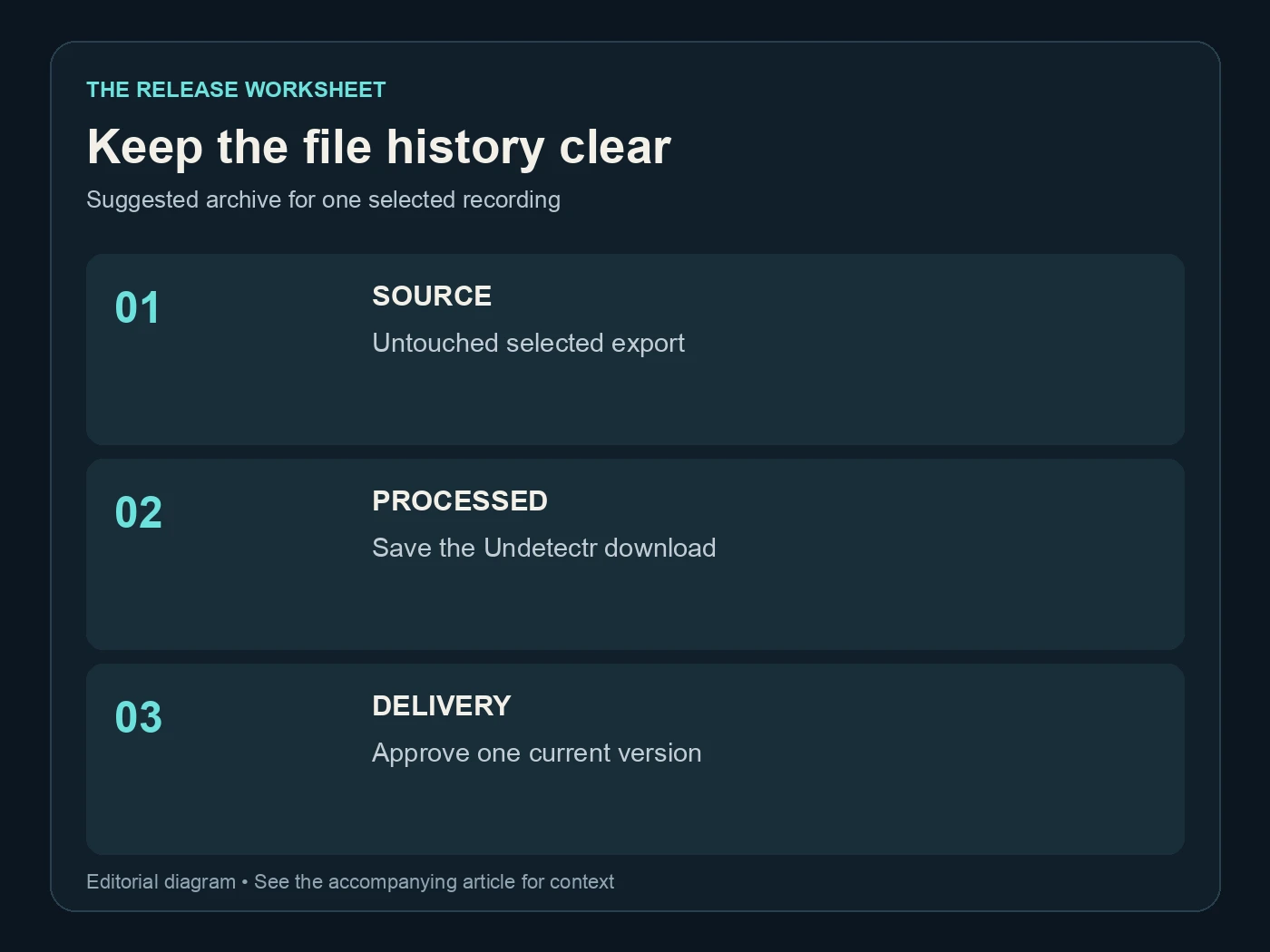
Keep the file history clear. Suggested archive for one selected recording. Editorial diagram; details are explained above.
Match listening volume before judging the result
Play the same short passage in the source and processed file at a comparable perceived level. A louder chorus can initially feel more detailed simply because it is louder. Turn down the louder playback for the comparison, and keep your speaker or headphone volume stable while switching.
You do not need to force both saved files to the same peak level. A transient peak and the average impression of loudness are different measurements. Start by reducing playback gain, leaving the files intact. If you use a loudness meter, record what it measures and whether the value covers the full song or a selected passage.
Spotify's loudness guidance is useful context: its playback adjustment is separate from the uploaded master. A change in playback level is therefore not, on its own, evidence that a master has been damaged or improved. Avoid comparing one file in a local player with another in a streaming app whose playback settings differ.
Use one player or editing session for both files. Turn off optional sound enhancements for the comparison if you normally use them, and write down the setting. Then switch to your ordinary listening setup for a second pass. The controlled comparison helps identify differences; ordinary playback helps you decide whether you like the finished song.
Our Suno stem guide is the next stop if the problem belongs to one instrument or vocal rather than the full mix. Undetectr fits the preparation stage; choosing the right source remains your first quality decision.
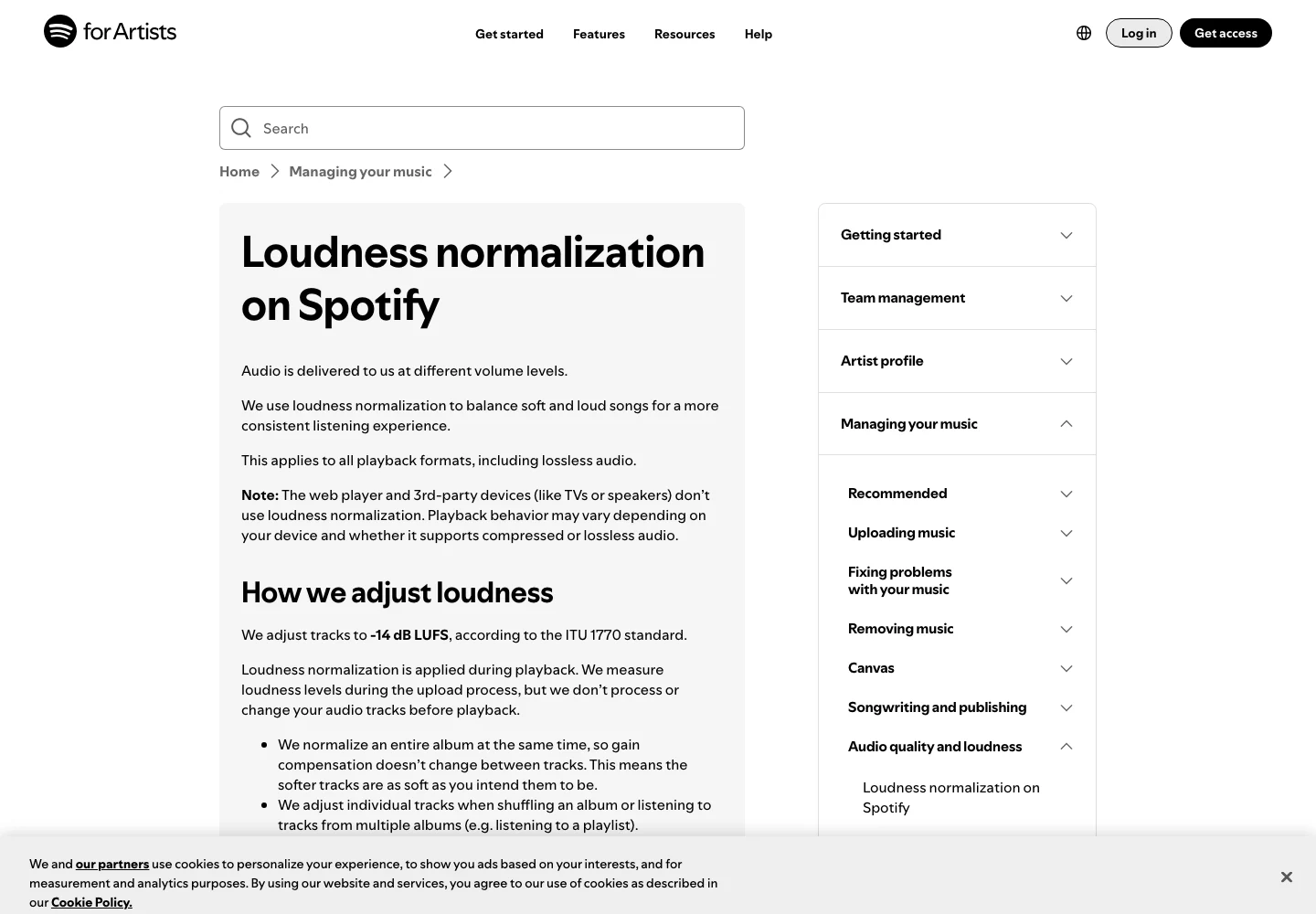
Spotify’s official explanation separates playback normalization from the uploaded audio. Captured 13 November 2026. Source.
Check four passages, then hear the whole song
A short checklist makes listening more consistent. It does not replace listening to the entire download. Start with the passages below, note any concern, then play the song from beginning to end without jumping ahead.
| Checkpoint | Checks per song | Listen for | Useful note |
|---|---|---|---|
| Opening | 1 | Missing attack, unexpected silence, clicks | Where the music starts |
| Exposed voice or instrument | 1 | Consonants, texture, sustained-note movement | Exact timestamp |
| Busiest passage | 1 | Harshness, low-end balance, loss of impact | Source versus output |
| Ending | 1 | Cut-off reverb, extra audio, incomplete fade | Last intended sound |
Those four checks are our suggested procedure, not a measured failure rate. A quiet piano passage and a loud electronic chorus need different attention. For instrumental music, use the most exposed instrument in place of the vocal. For an ambient piece, check the long transitions that carry the arrangement.
Write descriptions that you could recognise on another listen. “Better” is less useful than “the final consonant remains clear and the tail ends naturally.” If the difference is too small to describe confidently, record that. There is no advantage in claiming a dramatic improvement you cannot hear.
Listen in mono once if your player or editor offers it, then return to stereo. Treat an obvious balance change as a reason to investigate, not automatic proof that processing caused it. The original may behave the same way. The important comparison is the same passage, from the same take, through the same playback conditions.
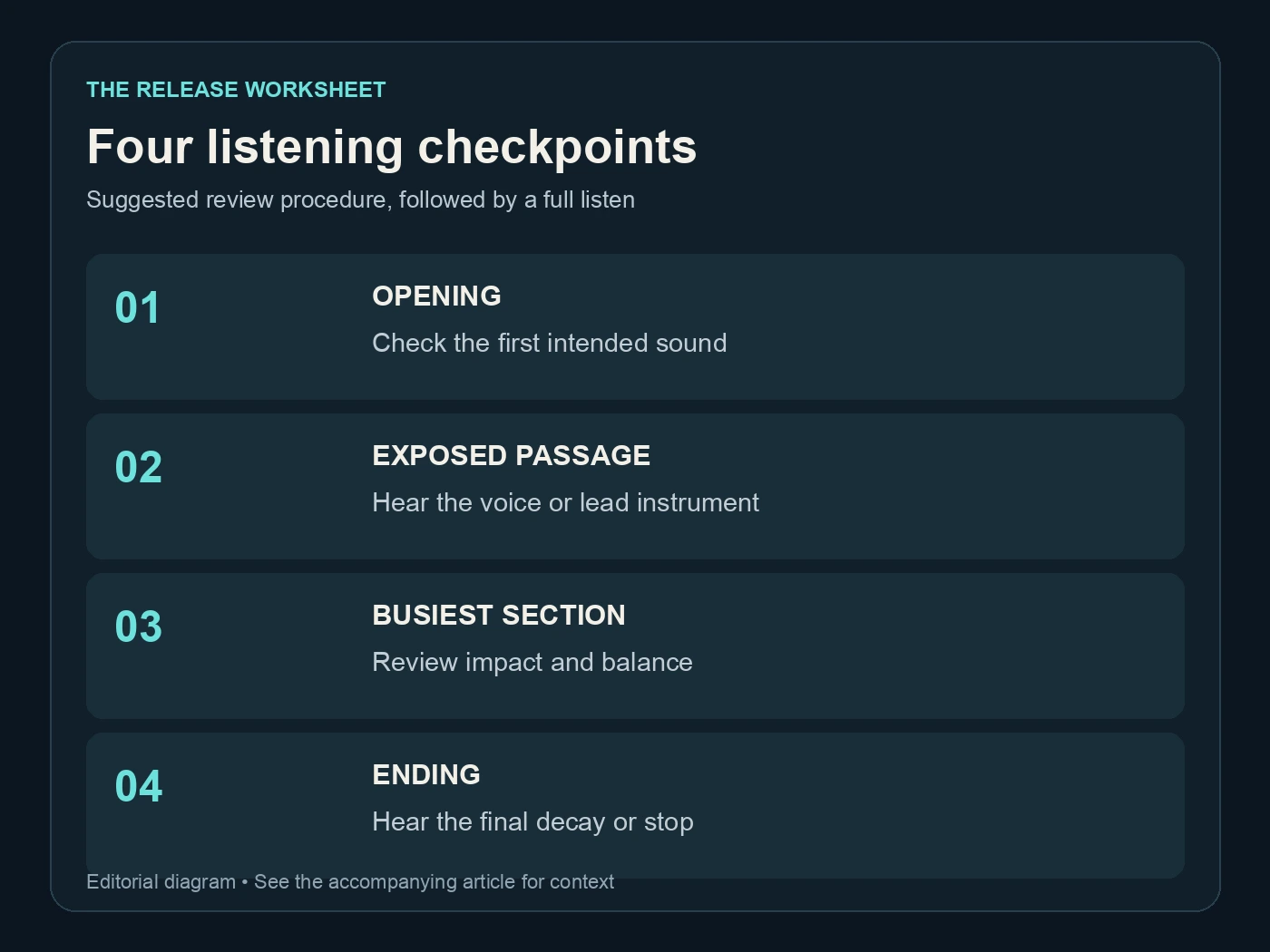
Four listening checkpoints. Suggested review procedure, followed by a full listen. Editorial diagram; details are explained above.

Undetectr’s public mastering controls and platform-oriented options, captured 13 November 2026. Source.
Inspect the file without confusing it with a detector
Check that the download opens, plays to its intended end and carries the expected song. Note the format, duration and any information your player displays. If the output format differs from the source, expect its size to differ too. A larger file is not automatically higher quality, and a new file size cannot prove watermark removal.
Technical inspection is useful precisely because its questions are narrow. Does this file decode? Is it stereo where you expected stereo? Did you export the selected range or the whole song? Those checks catch delivery mistakes before you interpret a score from another service.
Audacity's quality preferences explain why sample-rate and sample-format conversion are separate operations. Avoid changing those settings repeatedly just to produce a larger output. Keep a suitable source, inspect the download and make a delivery conversion only when the destination requires it.
Suno's credentials page describes metadata attached to its downloads. That provenance information is a different subject from the title and artist fields you prepare for release, and different again from how the song sounds. Keep the source and your creation records regardless of the processing workflow you choose.
An online checker result is another observation, with its own method and limitations. If you record one, save the tool name, date and exact file tested. Do not substitute it for your listening notes or the distributor's actual response. Our AI music distribution guide covers the later delivery stage.
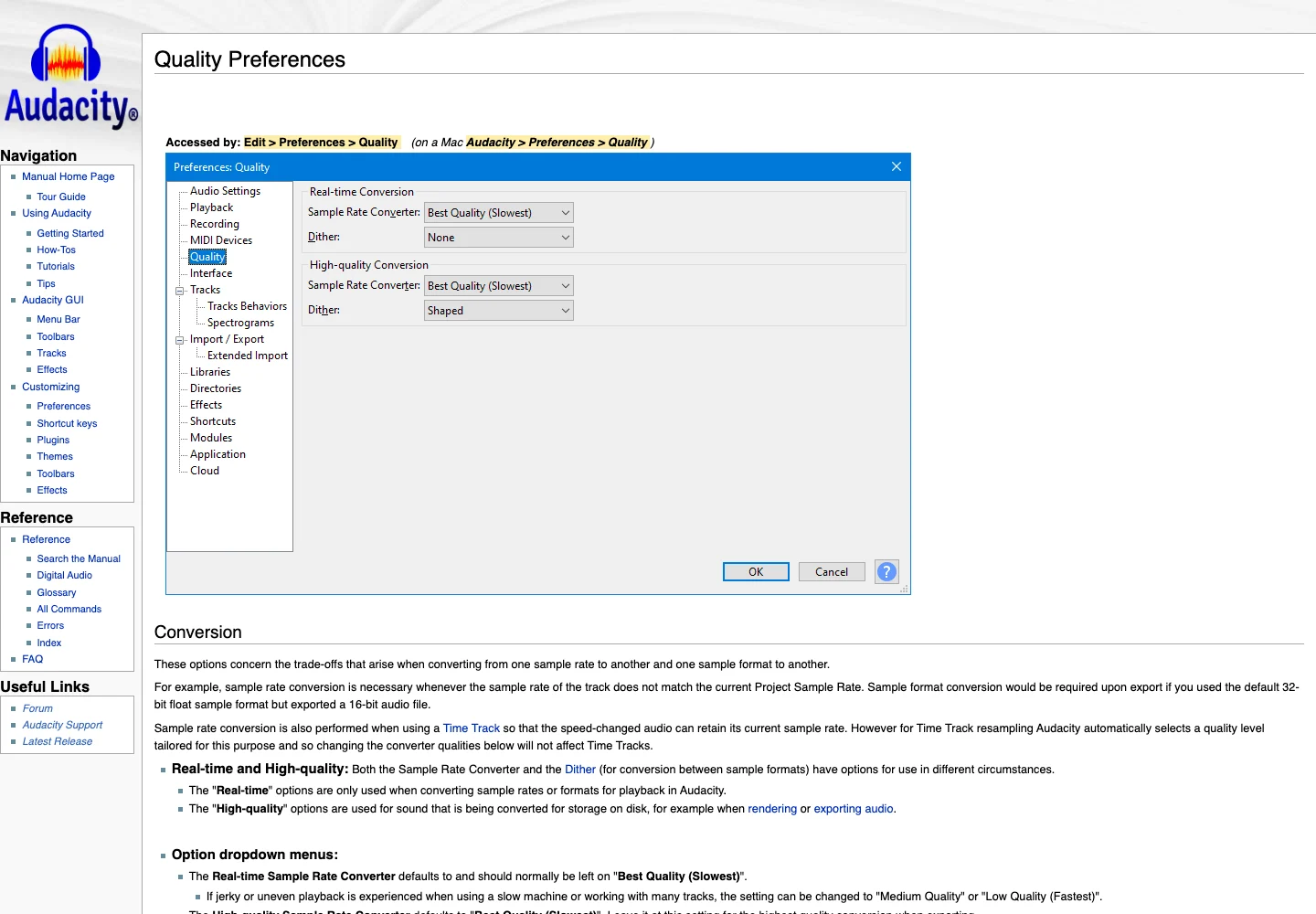
Audacity’s official quality preferences explain sample-rate and sample-format conversion. Captured 13 November 2026. Source.
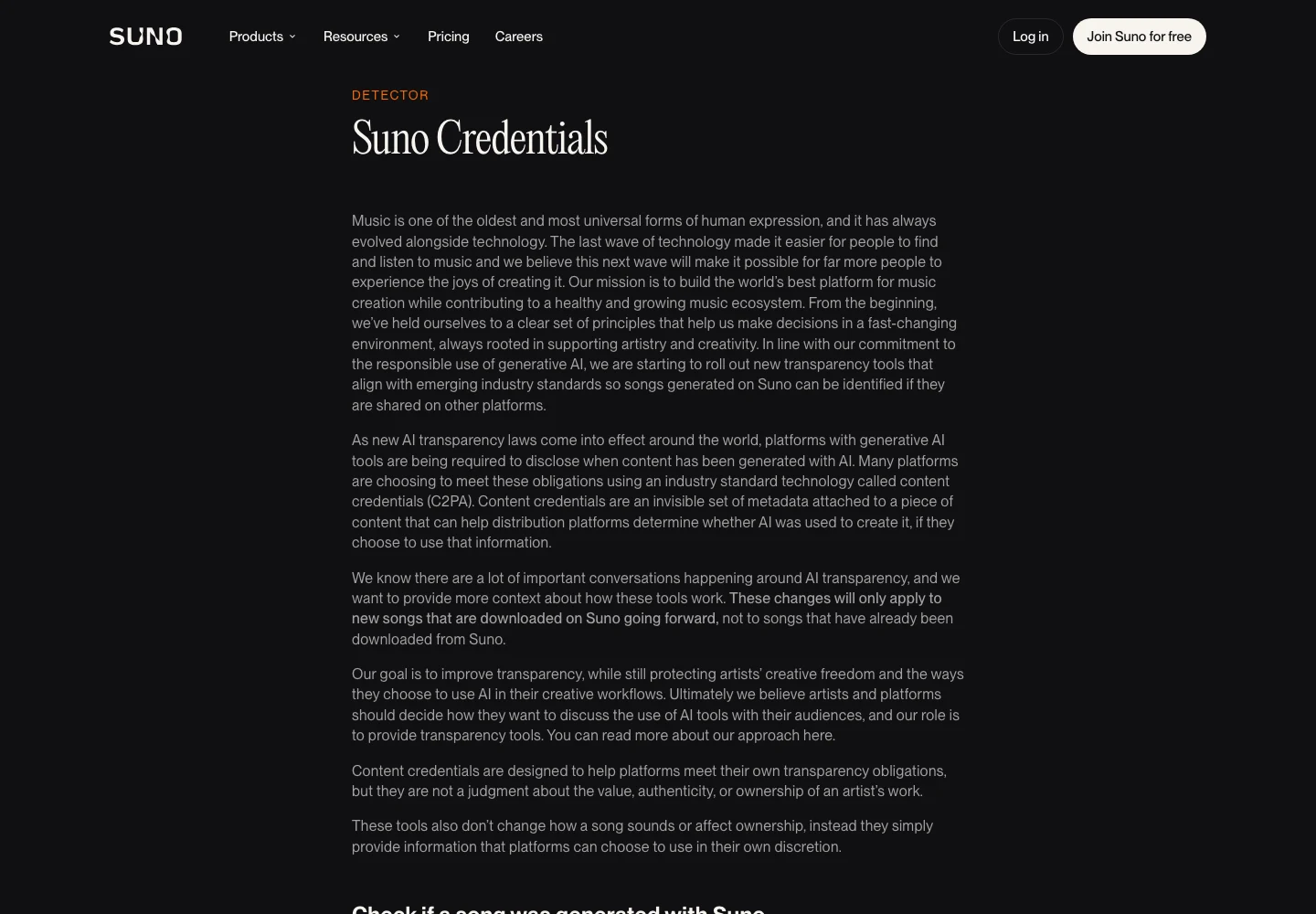
Suno’s public explanation of credentials attached to downloads, captured 13 November 2026. Source.
Put the recommendation and the price in context
We recommend Undetectr for the processing stage described in our six-month follow-up. That published study records 98 accepted submissions from a shared 100-track catalogue. It is existing evidence for the recommendation, not a new experiment performed for this worksheet.
For a small project, Starter's current €19 price covers ten processing credits. Lifetime is listed at €39 with unlimited processing and the additional toolkit, including mastering. Those prices were checked on 13 November 2026. Check the current plan page before buying because the offer can change.
The practical choice is whether you need a limited processing allowance or an ongoing preparation workflow. Do not count hypothetical streams as the money that will pay for it. Decide whether the tool fits the work you actually have: a handful of selected songs, repeated releases, or a catalogue that needs a consistent finishing step.
Keep the quality checklist even when the plan allows unlimited processing. Running the same song repeatedly without a listening goal makes the project harder to understand. One identified source, one saved result and a clear approval decision give you a much more useful archive.
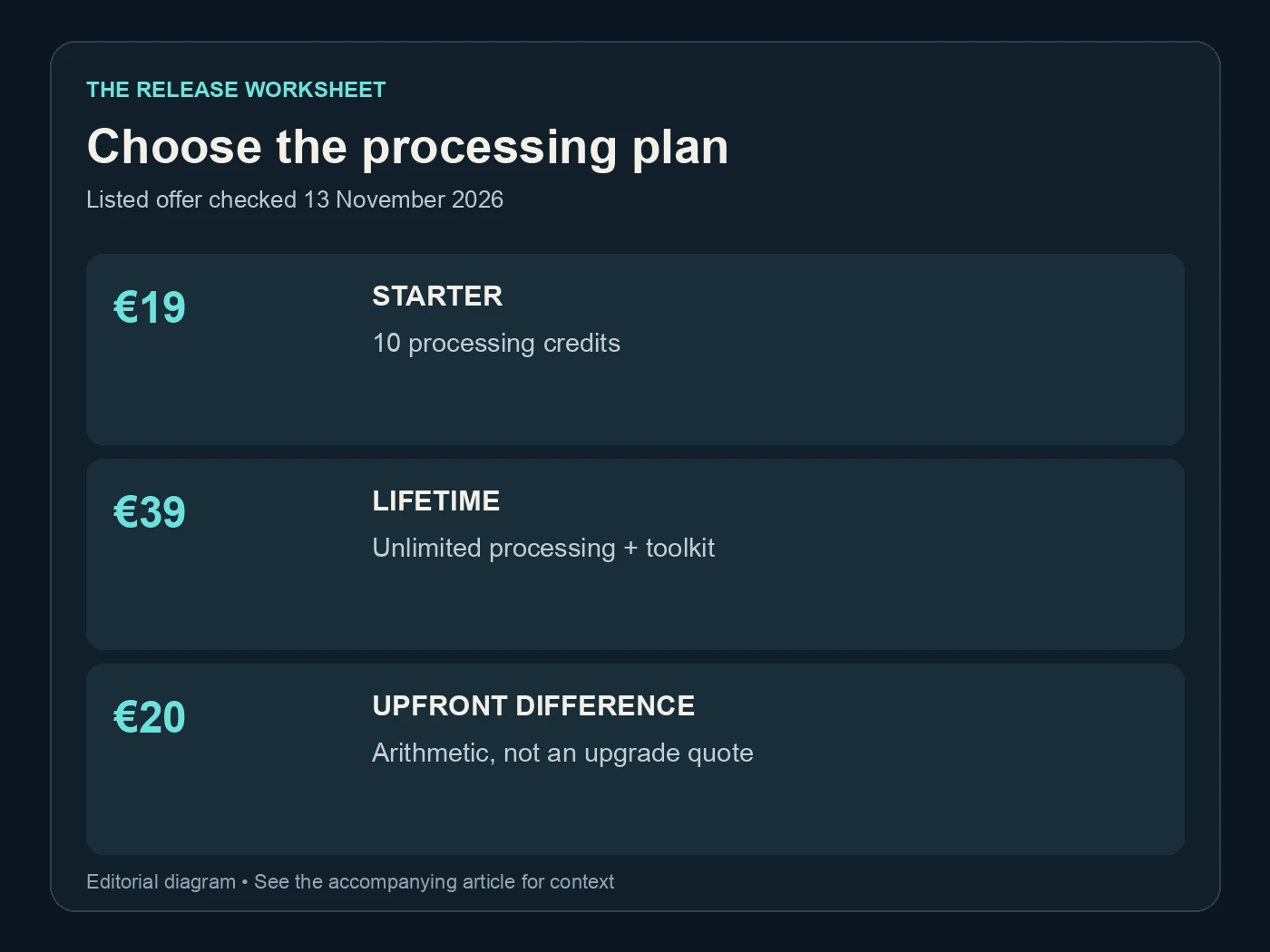
Choose the processing plan. Listed offer checked 13 November 2026. Editorial diagram; details are explained above.
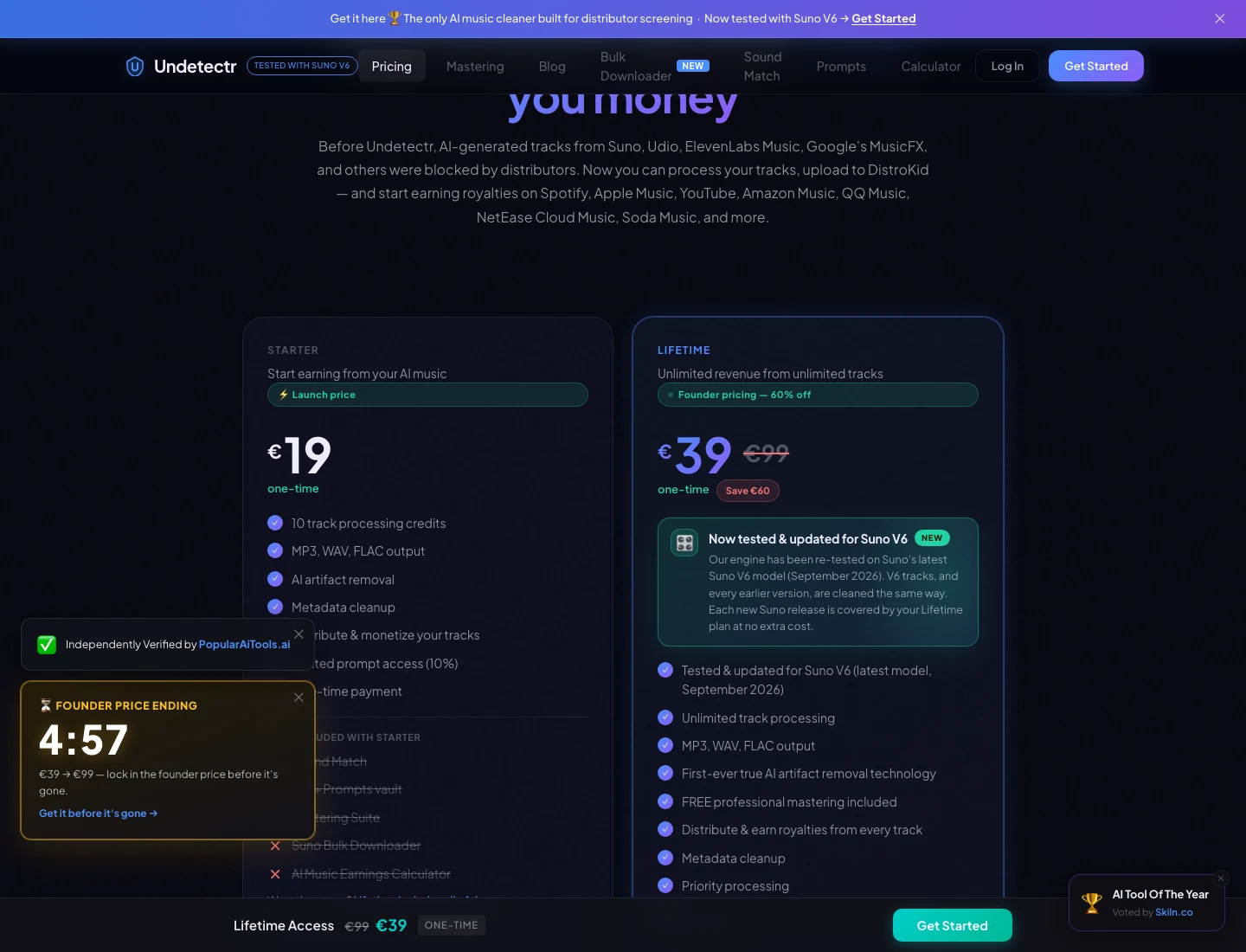
The current Undetectr plan page: €19 Starter and €39 Lifetime. Captured 13 November 2026; check the live offer before purchase. Source.
Approve one delivery file and keep its record
When you like the result, mark the delivery copy as approved and stop overwriting it. Record its filename, approval date, format and the release it belongs to. If another person handles distribution, send that exact file with the release information, rather than a folder full of competing versions.
Your approval note can be simple: “Take 03; Undetectr output reviewed; opening, vocal, chorus and ending checked; delivery copy approved.” Add any intentional creative choices, such as a long opening or an abrupt stop. That avoids someone “fixing” an arrangement decision during the handoff.
Distribution is a separate step. Supply accurate credits and required AI information, and keep any delivery confirmation or requested correction. Processing does not grant rights you lack or guarantee acceptance. The Spotify for Artists guide helps with what follows once the release reaches the platform.
For direct sales, keep the approved file aligned with the version listeners hear in your preview. Played offers a separate route for selling music to fans. Whichever route you use, the same file discipline makes it easier to answer a practical question later: exactly which recording did the listener receive?
Start with Undetectr, keep the original and review the download. The point of the worksheet is a confident release decision backed by files you can identify.
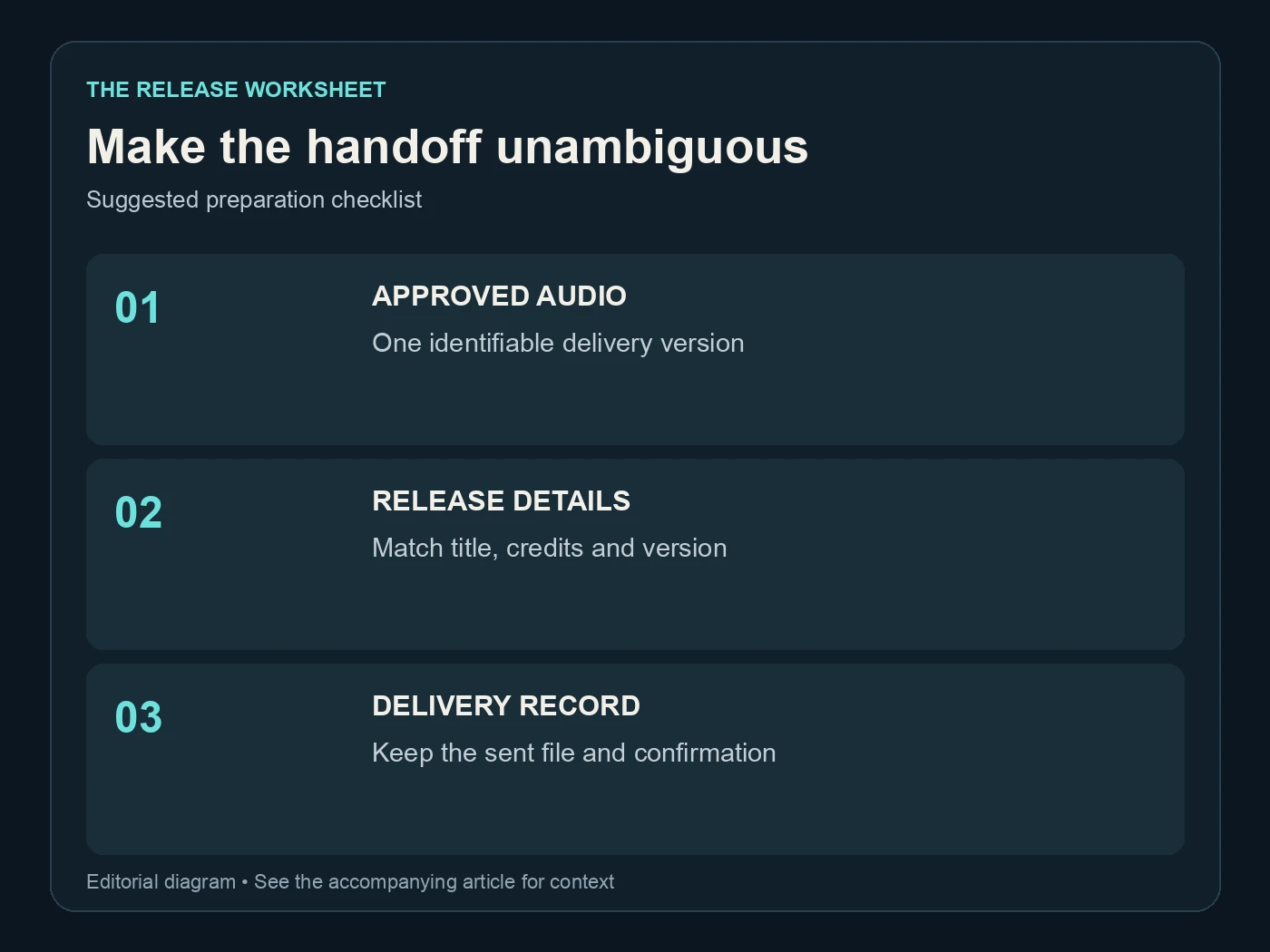
Make the handoff unambiguous. Suggested preparation checklist. Editorial diagram; details are explained above.
Questions readers ask.
Yes. Keep the untouched export and the processed download separately. They let you compare the result and make a different decision later without trying to reconstruct the starting file.
Not necessarily. Format, duration, sample rate and bit depth affect file size. Use listening and the destination's delivery requirements to choose a file, rather than treating size as a quality score.
You can start with a player that lets you switch files and adjust playback volume. An editor adds waveform inspection and convenient passage selection. Keep the original files unchanged while you compare.
Check the opening, an exposed voice or instrument, the busiest section and the ending. Then listen to the full download. These are suggested checkpoints, not a substitute for your musical judgment.
No new acceptance figures are introduced here. The recommendation links to our existing 100-track follow-up, which recorded 98 acceptances. This article supplies a repeatable procedure for reviewing your own files.
You still need the correct title, credits, rights and any required AI disclosure. Keep those records with the approved file. An audio-processing result and a completed release submission are separate parts of the job.
The verdict, in one sentence: Undetectr.
Put Undetectr into a clear release workflow: select the source, process the file, listen and save your approved version.